
CNFans Spreadsheet Opening Bell: the sale opens on Beijing time, the agent buys on its own schedule
Treat the sale deadline and the agent’s purchase as separate events, then follow the item through QC and international shipping.
Status, 21 October 2026: cnfans.com loads a maintenance notice instead of the agent site, and the notice names no day for its return.
Browse the Spreadsheet by category
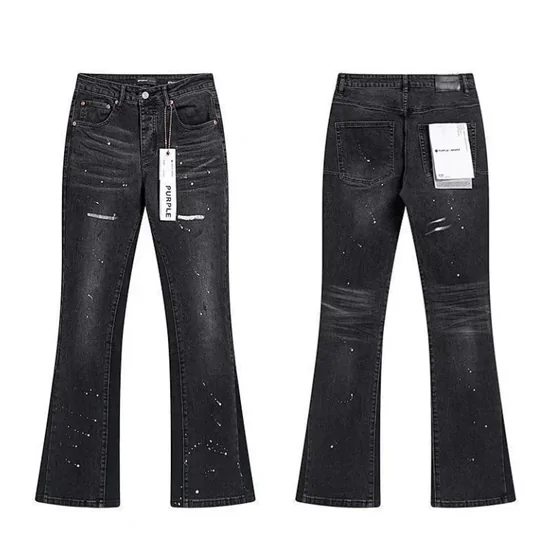
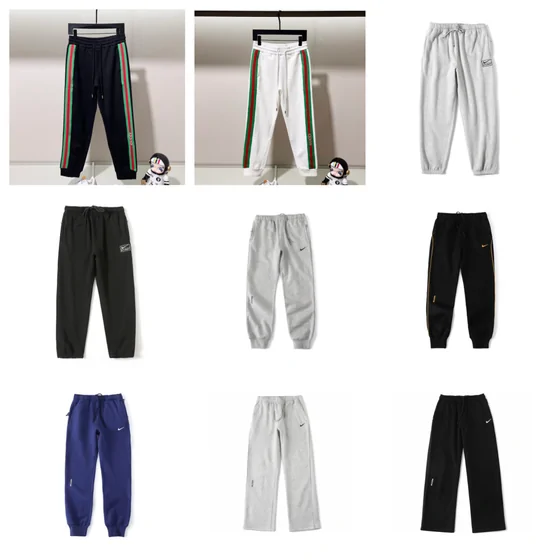
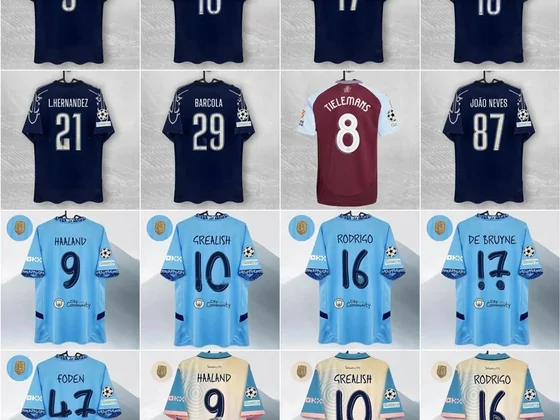
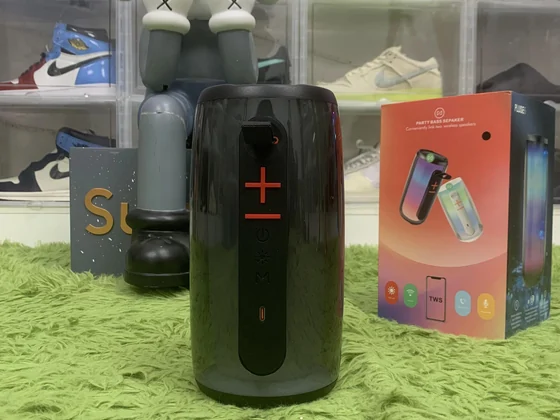
Choose a category, then inspect the actual listing. These photographs identify the shelves; they do not guarantee stock, price or whether an agent can ship an item.












Follow a timed sale from your payment to the seller
Pick the kind of sale printed on the listing you want. The board traces the order as it travels: from your payment, through the queue, to the purchaser who checks out as CNFans, and finally into the rule the seller set. The stop where that sale type usually breaks turns red, and underneath sits the question worth sending to the agent before any money moves.
How to use the tool: choose a type, watch the brass dot move, then copy the question into your order note. Nothing you click is stored or sent anywhere; the board asks for no dates, prices or links, because the stop depends on the kind of sale, not on the numbers.
Flash slot: a checkpoint to confirm
- You pay CNFansMoney leaves your card or balance; nothing has been bought yet.
- Your order waits in the queueIt sits with other paid orders until a purchaser reaches it.
A short sale window can end before purchase is attempted. Confirm stock, eligibility and whether the purchaser can act during that window; the tool does not measure a real queue.
- The purchaser orders from the agent's accountA person at CNFans opens the listing and checks out as the agent.
- The seller's sale rule decidesTimer, quota, reservation list or group size is applied at checkout.
Ask before you pay: Can your purchaser buy in the opening minutes of the slot, and where does my payment go if it has already sold out?
Stock, account eligibility and the purchaser’s availability also need confirmation; a timer does not reserve an item.
All seven sale types and where each usually stops
| Sale type | Usual stop | Why it stops there |
|---|---|---|
| Flash slot | Queue | Stock runs out in the opening minutes, before the queued order is reached. |
| Countdown price | Purchaser | The timer has ended, so the listing now shows its ordinary price. |
| Scheduled release | Purchaser | The buy button stays locked until the stated hour; early stock can go fast. |
| Purchase limit | Seller rule | The agent account has already used the cap on other customers' orders. |
| Reservation | Purchaser | Only accounts that booked during the reservation window may check out. |
| Draw | Seller rule | Only drawn winners may buy, and entries are tied to one verified person. |
| Team-up price | Seller rule | The group price needs enough paying buyers before the group times out. |
The Spreadsheet finds a sale; an agent still has to buy it
A CNFans Spreadsheet is a catalog of product links. It can lead you to a timed listing, but it cannot reserve stock, join a draw or hold a checkout price. The seller’s current item page supplies the option, deadline and purchase condition you need to inspect.
When available, CNFans handles the purchase request, buys from the seller and receives the goods in China. Your payment, the agent’s purchase, warehouse QC and international dispatch are separate events. The sale-flow tool explains the timing risks; the full guide covers what happens afterward, including the later payment for freight.
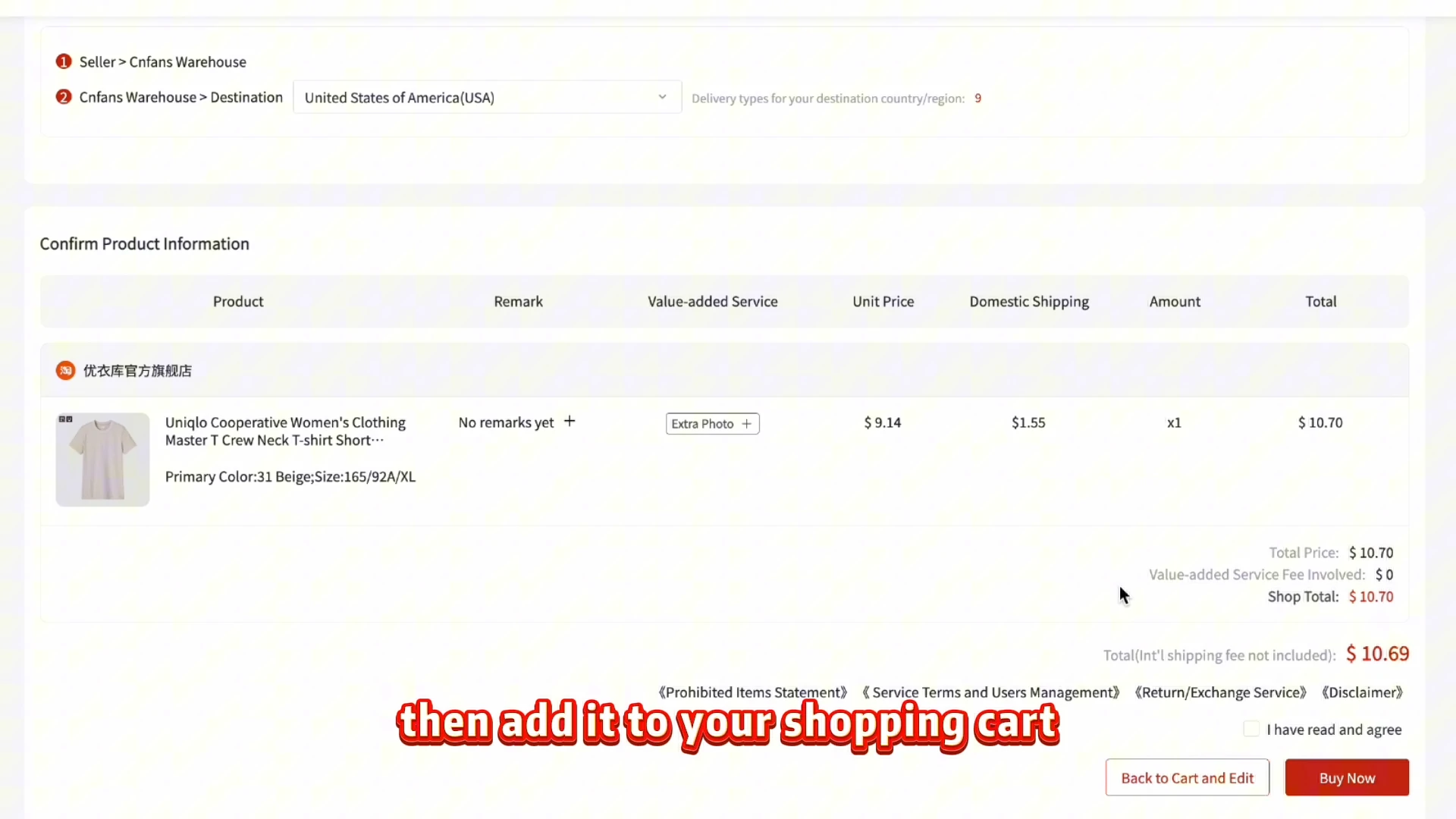
A complete guide for the purchase and the parcel
A timed listing adds a deadline to an ordinary agent purchase; it does not remove any of the purchase, warehouse or parcel stages. The order needs an available item and a feasible purchase request. Paying before a timer ends is not a guarantee that the agent can complete checkout before stock or the offer expires.
Nine steps follow the documented official order: purchase, warehouse, then international shipping. Historical screenshots and the tutorial video explain the workflow without implying that checkout is available during maintenance.
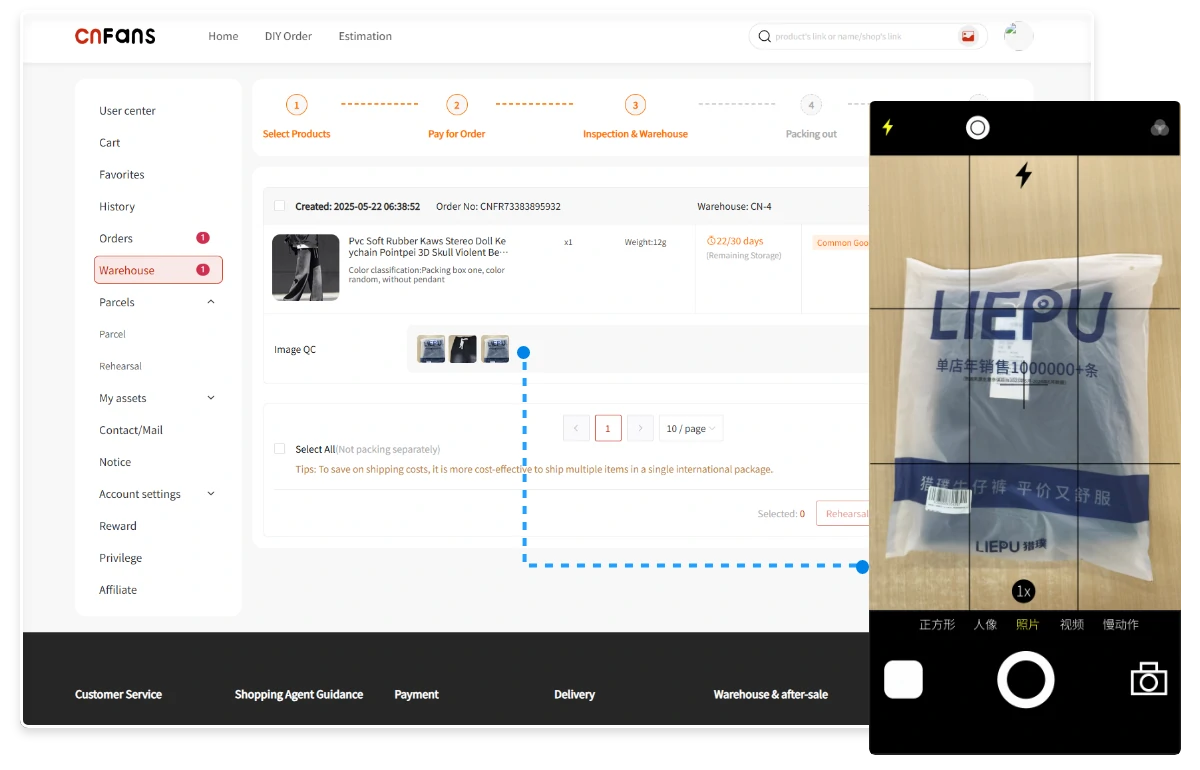
What this Spreadsheet helps you decide
The sale-flow tool highlights where different sale types can stop. This guide covers the complete sequence, including what to check if the purchase succeeds and what records to keep if it does not.
Current listing details and order messages take priority over an old screenshot. Use the detailed guide and help pages for costs, QC questions, shipping and the decisions that need a response from the agent. Help and questions.